Farming Simulator 25 Controls
PC keybinds, console tips, and GPS steering assist.
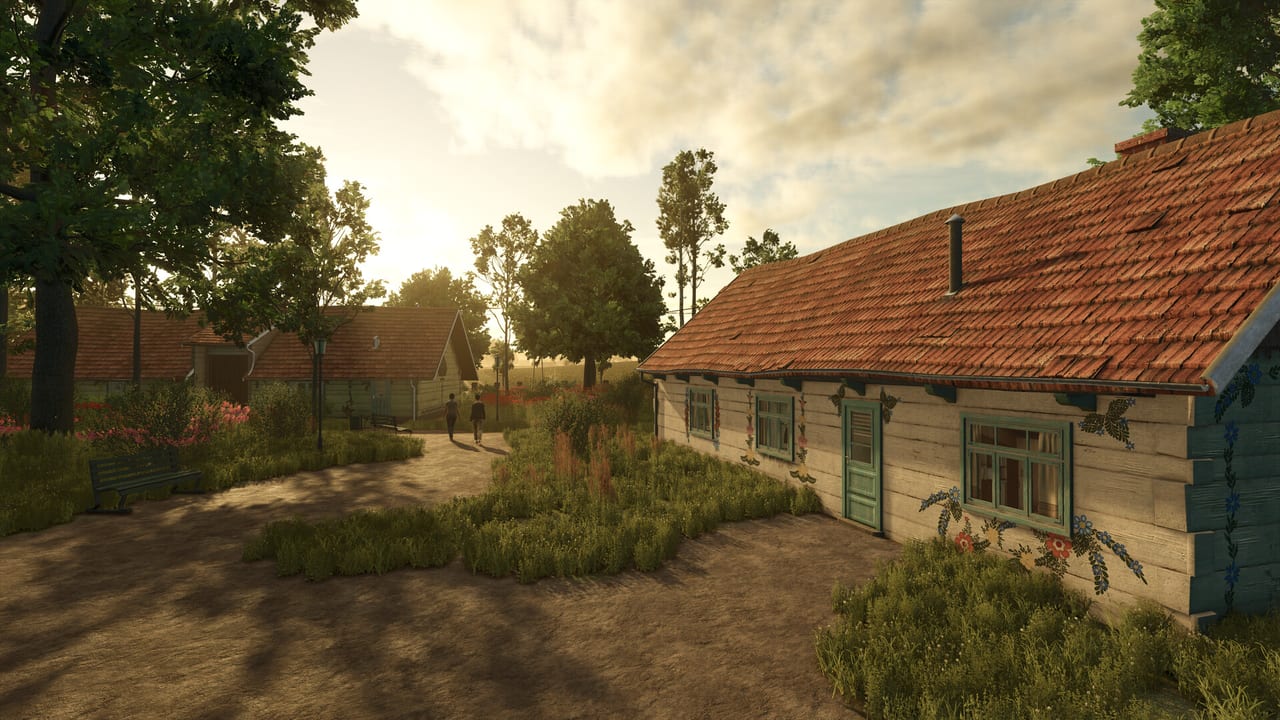
Mastering Farming Simulator 25 controls is the difference between a calm harvest and dumping grain in the wrong place while the timescale races. This page lists default PC keyboard bindings most players need on day one, notes how consoles differ, and explains built-in GPS / steering assist so straight passes stay straight. Remap anything in the options menu—these defaults match the common GIANTS layout used in the official manual and most beginner guides.
New to the game? Continue with Getting Started after you learn attach/detach and the shop key. More references sit on the Tools Hub.
General PC defaults
| Action | Default key |
|---|---|
| Move / steer | W A S D |
| Run | Shift + WASD |
| Jump | Space |
| Crouch | Ctrl |
| Use object / interact | R |
| Shop | P |
| Build / construction mode | Shift + P |
| Game menu | Esc |
| Timescale slower / faster | 7 / 8 |
| Toggle map view | 9 |
| Help overlay | F1 |
| Flashlight | F |
| Chat (multiplayer) | T |
| Radio prev / toggle / next | 4 / 5 / 6 |
Timescale is dangerous during first hitch practice—keep it low until unloading and attaching feel automatic.
Vehicle and implement defaults
| Action | Default key |
|---|---|
| Enter / exit vehicle | E |
| Attach / detach implement | Q |
| Switch selected attachment | G (Shift+G previous) |
| Lower / raise tool | V (Ctrl+V for all) |
| Turn implement on / off | B (Ctrl+B for all) |
| Fold / special functions | X, Y, Z, context keys |
| Hire AI worker / AI menu | H (hold for AI modes on many setups) |
| Cruise control toggle | 3 |
| Cruise speed down / up | 1 / 2 |
| Unload | I |
| Next / previous vehicle | Tab / Shift+Tab |
| Switch camera | C |
When a tool refuses to attach, nudge closer, check height, and watch the on-screen attach prompt—Q only works inside the snap range. Front loaders and belt systems add extra axis bindings; open F1 help after entering those machines.
Console notes (PS5 / Xbox Series)
Consoles use controller prompts instead of the PC letter keys, but the same actions exist: attach, lower, activate, hire worker, open map, and shop. Rely on:
- The always-available button legend / help for the current tool group.
- Radial or dedicated buttons for implement functions once a complex header is attached.
- Pause menus for shop, construction, and career settings rather than
P/Esc.
If you plug a keyboard into a console or use cloud play, bindings may still follow controller-first UI—confirm in settings. Steering wheels and farm control panels are more common on PC; consoles emphasize pad ergonomics and GPS assist.
GPS / steering assist
Farming Simulator 25 includes steering assist (GPS-style guidance) on supported field vehicles. Unlike a fully hired AI worker, you keep throttle and implement control while the system holds guidance lines for straight, efficient passes—ideal for seeding, spraying, and windrowing.
Typical workflow
- Attach and lower the implement; set working width if prompted.
- Open the AI / assist menu (commonly via H on PC—hold or follow the on-screen AI mode control).
- Choose Steering Assist instead of a full AI worker when you want to stay in the seat.
- Line up on the field edge, activate the guidance lane, and let steering lock to the path while you manage speed and tool state.
- Disable assist for headland turns if you prefer manual corners, then re-enable for the next long edge.
Steering assist does not replace Courseplay on PC; it is the built-in answer for console players and anyone who wants precision without script mods. See Best Mods for Courseplay / AutoDrive comparisons.
Fieldwork habits that prevent mistakes
- Attach checklist — park straight, lower three-point if needed, press attach once, then raise.
- Tool groups — press
Guntil the correct implement responds before folding a header. - Unload discipline — pipe out (
Oon many harvesters), pick tip side (Uon trailers), thenIto unload. - Map before you drive —
9to place markers or check ownership so helpers do not spray the wrong field. - Shop with intent —
Pto lease harvest kits; return leases before sleeping weeks away at high timescale.
Multiplayer and custom binds
Hosts should publish a short bind note if anyone remaps attach or unload—nothing ruins a co-op night like two players fighting tip sides. After major patches, re-verify that steering assist and AI worker keys still match your muscle memory.
Next steps
Practice attach/detach on a cheap weight or small trailer, buy seed with P, and run one steering-assist pass on a short field edge. Then follow Getting Started for first-season goals, check System Requirements if you are still installing, and browse the Guides Hub for money and crop calendar deep dives.
Frequently Asked Questions
Quick answers to the most common FarmSim questions.
How do I attach tools in Farming Simulator 25 on PC?
Drive into the attach zone until the prompt appears, then press Q. Use G to cycle which attached implement is selected.
What key opens the shop?
P opens the shop on the default PC layout. Shift+P enters construction / build mode.
How do I change the timescale?
Press 7 to slow time and 8 to speed it up. Keep timescale low while learning attaches and unloading.
Is GPS steering assist available on console?
Yes. Steering assist is a built-in feature on supported vehicles across platforms—use the on-screen AI/assist controls on your pad.
Where is the map key on PC?
9 toggles the map view on the default binding set. Use it to buy land, check crops, and place markers.